How to Read Your First Pentest Report and Act on It
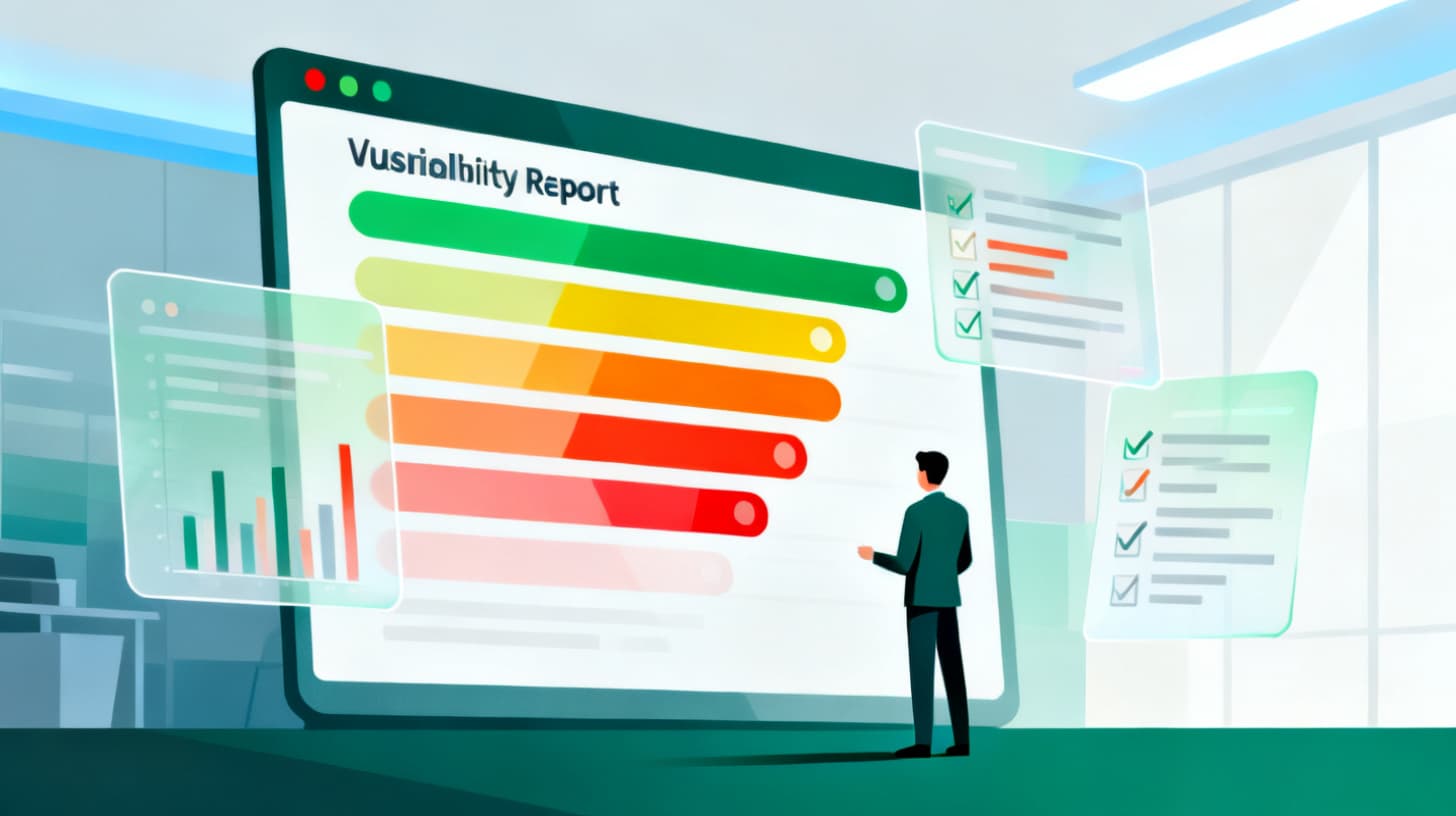
Learn how to read a penetration test report, interpret CVSS severity scores, translate findings into business impact, and build a prioritized remediation plan.
You just received your first penetration test report. It's 40 pages long, packed with technical jargon, color-coded severity ratings, and screenshots of terminal output that might as well be hieroglyphics. Your stomach drops a little. Where do you even start?
Here's the good news: you don't need to be a security engineer to make sense of a pentest report. You need to understand the structure, know how to interpret what matters, and build a plan that turns findings into fixes. That's exactly what this guide will walk you through.
Whether you received this report from an external firm, an internal red team, or an AI-powered pentest platform like Pentest Today that auto-triages findings by severity and OWASP category, the reading process is the same. Let's break it down.
Understanding the Anatomy of a Pentest Report
Every pentest report follows a rough blueprint, even though formatting varies between vendors and tools. Once you understand the sections and what they're telling you, the document stops feeling overwhelming and starts feeling like a prioritized to-do list.
The Executive Summary
This is the section written for you, the business leader. It sits at the top of the report for a reason. The executive summary provides a high-level overview of what was tested, how it was tested, and the overall risk posture of your systems. You'll typically see a risk rating (something like "High" or "Moderate"), a count of findings broken down by severity, and a paragraph or two summarizing the most critical issues.
Read this section first and read it carefully. It tells you the story of the engagement without requiring you to understand every technical detail. If the summary says "three critical vulnerabilities were discovered that could allow unauthorized access to customer data," you already know the stakes before diving deeper.
The Scope and Methodology
This section explains what was tested and what wasn't. Scope matters more than most people realize. If the pentest only covered your web application but not your API endpoints or internal network, you can't assume those untested areas are safe. Think of scope as the boundaries of the map. Anything outside those boundaries is uncharted territory.
The methodology section describes the approach: was it a black-box test (no prior knowledge), gray-box (some credentials or documentation provided), or white-box (full access to source code)? The NIST SP 800-115 Technical Guide to Information Security Testing and Assessment provides the foundational framework many testers follow, and understanding the methodology helps you gauge how thorough the test actually was.
The Findings Table
Here's where most people get lost. The findings section is the heart of the report. Each finding typically includes a title, a severity rating, a description of the vulnerability, proof-of-concept evidence (those terminal screenshots), the potential business impact, and a recommended remediation.
Severity ratings usually follow the Common Vulnerability Scoring System (CVSS), which assigns a numerical score from 0.0 to 10.0. Scores break down like this:
| CVSS Score | Severity | What It Means |
|---|---|---|
| 0.0 | None | Informational, no exploitable risk |
| 0.1 - 3.9 | Low | Minor issue, limited impact |
| 4.0 - 6.9 | Medium | Real risk, but exploitation requires specific conditions |
| 7.0 - 8.9 | High | Significant risk, relatively easy to exploit |
| 9.0 - 10.0 | Critical | Immediate threat, likely to cause severe damage |
Don't get intimidated by the technical descriptions in each finding. Focus on three things: what can go wrong (impact), how likely is it (exploitability), and what needs to happen to fix it (remediation). You can always ask your engineering team or security vendor to clarify the technical details.
Translating CVSS Scores Into Business Impact
A CVSS score tells you how severe a vulnerability is from a technical perspective. But as a business leader, you need to translate that number into something more meaningful: what does this vulnerability actually mean for my company, my customers, and my bottom line?
This translation is where many organizations stumble. They either treat every finding as a five-alarm fire (burning out their engineering team) or dismiss medium-severity findings that could actually cause serious damage in their specific context. Neither approach works.
Context Changes Everything
Consider two findings, both rated CVSS 6.5 (medium severity). The first is a cross-site scripting vulnerability on your marketing blog that displays public content. The second is a cross-site scripting vulnerability on your customer portal where users enter payment information. Same CVSS score, wildly different business impact.
When you read each finding, ask yourself these questions:
- What data is at risk? Customer PII, financial records, intellectual property, or public information?
- Who could exploit this? Anyone on the internet, or only someone who already has internal access?
- What are the regulatory implications? Would exploitation trigger breach notification requirements under HIPAA, GDPR, PCI DSS, or state privacy laws?
- What's the reputational cost? Would this make the news? Would customers lose trust?
A medium-severity finding that exposes protected health information in a healthcare application is functionally a critical business risk, regardless of what the CVSS calculator says. Your fix plan needs to reflect that reality.
Mapping Findings to Compliance Frameworks
If your pentest was driven by a compliance requirement or an enterprise security review, you'll want to map findings to the relevant framework controls. For example, a finding about weak password policies maps directly to SOC 2 CC6.1 (logical access controls) and ISO 27001 A.9.4 (system access control).
This mapping serves two purposes. First, it helps you prioritize: findings that put you out of compliance with a framework your customers or auditors expect are more urgent. Second, it gives you the language to communicate risk to stakeholders who think in compliance terms rather than vulnerability terms.
Many pentest findings will also point to gaps in your security policies. If a finding recommends implementing multi-factor authentication but your organization doesn't have an access control policy that mandates MFA, you've found a policy gap alongside a technical one. Browse the Security Policy Library and Framework Mapping on Pentest Today for templates that cover access control, cryptography, incident response, and more, all mapped to SOC 2, ISO 27001, HIPAA, and PCI DSS controls.
Communicating Risk to Stakeholders
You'll likely need to present the pentest results to your executive team, board, or engineering leadership. Resist the urge to dump the raw report on them. Instead, create a one-page summary that answers four questions:
- 1.What did we test? (Scope and methodology in plain English)
- 2.What did we find? (Number of findings by severity, with the top three highlighted)
- 3.What's the business risk? (Translated impact, not technical jargon)
- 4.What's our plan? (Timeline and ownership for remediation)
This framing turns a scary technical document into an actionable business conversation.
Building a Remediation Plan That Actually Gets Executed
Reading the report is half the battle. The other half is turning those findings into a structured remediation plan that your team can execute without chaos. Too many organizations read the report, feel a wave of urgency, and then let it sit on a shelf because nobody owns the next steps.
Here's a step-by-step approach that works.
Step 1: Categorize and Prioritize
Start by grouping findings into three buckets based on a combination of CVSS severity and business context:
- Fix immediately (within 1-2 weeks): Critical and high-severity findings affecting production systems with sensitive data. These are your "stop what you're doing" items.
- Fix soon (within 30-60 days): Medium-severity findings and high-severity findings in lower-risk environments. These go into your next sprint or maintenance cycle.
- Fix eventually (within 90 days): Low-severity and informational findings. These are real improvements but won't keep you up at night.
This tiered approach prevents the all-too-common scenario where your team tries to fix everything at once, gets overwhelmed, and ends up fixing nothing.
Step 2: Assign Ownership
Every finding needs an owner. Not a team, a person. "The engineering team will handle it" is a recipe for diffusion of responsibility. Assign a named individual who is accountable for each finding or group of related findings.
For example:
- SQL injection on login endpoint (Critical): Assigned to Sarah, backend lead. Due in 10 days.
- Missing Content-Security-Policy headers (Medium): Assigned to James, DevOps. Due in 30 days.
- Verbose error messages in API responses (Low): Assigned to Priya, API team. Due in 60 days.
If a finding requires cross-team collaboration (say, a network segmentation issue that involves both infrastructure and application teams), designate one person as the coordinator who tracks progress and unblocks dependencies.
Step 3: Track Progress and Retest
A remediation plan without tracking is just a wish list. Use whatever project management tool your team already lives in: Jira, Linear, Asana, a spreadsheet. The tool doesn't matter. What matters is that every finding has a status (open, in progress, fixed, verified) and a due date.
Once fixes are implemented, you need to verify they actually work. This is where retesting comes in. A retest is a focused follow-up assessment that validates whether the original vulnerabilities have been properly addressed. Many pentest providers offer retest engagements specifically for this purpose, and the resulting retest report (sometimes called an addendum) provides documented proof that you've closed the gaps.
This documentation is especially valuable if you're going through a security audit or enterprise vendor review. Auditors and reviewers want to see not just that you found problems, but that you fixed them and proved the fix worked. If you're preparing for that kind of review, Pentest Today's Pass page walks you through generating the pentest reports, scan results, policies, and retest letters that enterprise reviewers expect.
Step 3: Learn From Patterns
Before you close the book on your pentest report, zoom out and look for patterns. Are there clusters of similar findings? Multiple instances of missing input validation might point to a systemic gap in your development practices rather than isolated bugs. Recurring authentication weaknesses might mean your team needs training on secure session management.
These patterns are goldmines for long-term security improvement. Instead of playing whack-a-mole with individual vulnerabilities, you can address root causes:
- Multiple injection flaws? Implement parameterized queries as a coding standard and add SAST scanning to your CI/CD pipeline.
- Repeated access control issues? Update your access control policy and implement automated role-based access testing.
- Consistent cryptographic weaknesses? Standardize on approved libraries and cipher suites across all projects.
Documenting these patterns and the systemic fixes you implement transforms a single pentest into a lasting security improvement.
Making Pentest Reports a Recurring Advantage
Your first pentest report can feel like getting a bad grade on a test you didn't study for. But the organizations that get the most value from penetration testing are the ones that treat reports as recurring inputs into a continuous improvement cycle, not one-time events.
Establish a regular testing cadence. Quarterly or biannual pentests, combined with continuous automated scanning, give you a running view of your security posture. Each new report should show fewer findings and lower severities as your remediation program matures. If it doesn't, that's a signal that your fixes aren't holding or new development is introducing fresh vulnerabilities faster than old ones are being closed.
Build a simple metrics dashboard that tracks finding counts by severity over time. This gives leadership a visual picture of progress and helps justify continued investment in security. A chart showing critical findings dropping from 8 to 2 to 0 across three consecutive pentests tells a powerful story.
Create a feedback loop between your pentest results and your development process. Share anonymized findings (stripped of exploitation details) with your broader engineering team during lunch-and-learns or sprint retrospectives. When developers understand what vulnerabilities look like from an attacker's perspective, they start writing more secure code by default.
Finally, keep your security documentation current. Every pentest cycle should prompt a review of your security policies, incident response plans, and architecture diagrams to make sure they reflect your actual environment. If your pentest revealed that your network segmentation doesn't match what your architecture diagram shows, update the diagram and fix the segmentation.
Reading your first pentest report doesn't have to be intimidating. Understand the structure, translate technical severity into business risk, build a prioritized remediation plan with clear ownership, and use the findings to drive systemic improvement. That's the playbook.
If you want to skip the learning curve and get a report that does much of this translation for you, Pentest Today runs AI-powered pentests that auto-triage findings by severity and OWASP category, generate remediation guidance, and produce client-ready reports. It's the fastest way to go from "what does this report mean?" to "here's our fix plan."
Get a Pentest in 24 hours or less
Our agent swarm and human experts test your endpoints and deliver an audit, fast.