How to Automate Security Questionnaire Responses Using Existing Policies
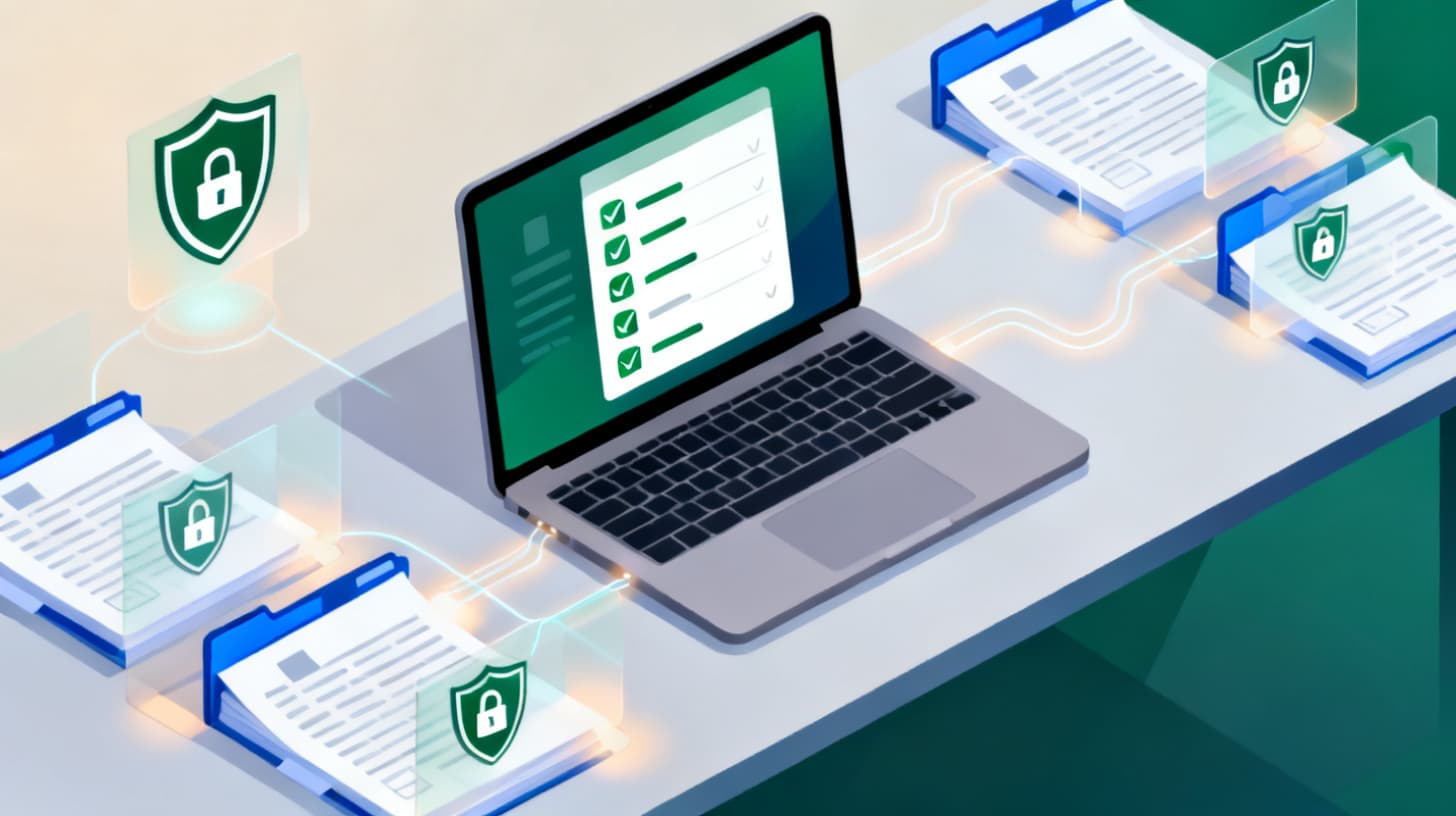
Learn how to automate security questionnaire responses by building a reusable answer library from your existing security policies, pentest reports, and scan results.
A 300-question security questionnaire just landed in your inbox. The deal is worth six figures, the deadline is next Friday, and the person who usually handles these is on vacation. Sound familiar?
Security questionnaires have become the toll booth on every enterprise sales road. Analysts at large companies send them to every vendor, and the questions overlap heavily with frameworks like SOC 2, ISO 27001, HIPAA, and PCI DSS. The dirty secret? Most of the answers already exist somewhere in your organization, buried in policy documents, pentest reports, and compliance artifacts. The challenge isn't generating new answers. It's finding, extracting, and repurposing the ones you already have.
That's the approach we'll break down here: building a reusable answer library from materials you already maintain, then automating how those answers flow into questionnaires. If you're starting from scratch on the policy and pentest report side, PentestToday generates the full set of artifacts (pentest reports, security policies, architecture diagrams, and scan results) that feed directly into a questionnaire response workflow. But even if you're stitching things together from multiple tools, the strategy below will cut your response time dramatically.
Why Security Questionnaires Keep Eating Your Calendar
Let's be honest about the scale of the problem. A typical enterprise security questionnaire contains between 100 and 500 questions. Companies selling to multiple enterprise buyers might field five to fifteen of these per quarter. Each one demands input from engineering, security, legal, and sometimes product teams. Without a system, every questionnaire becomes a fire drill.
The frustration compounds because the questions are repetitive. Roughly 70-80% of security questionnaire content maps to the same underlying controls. "Describe your encryption at rest." "What is your incident response process?" "When was your last penetration test, and what were the findings?" These aren't trick questions. They're checking whether you have documented, tested security practices. And they map cleanly to established frameworks. NIST, for example, provides assessment and auditing resources that organize cybersecurity controls into functions like Identify, Protect, Detect, Respond, and Recover. Security questionnaires follow this same structure, just with different wording.
Here's what makes the repetition painful: without a centralized answer library, different people write different answers to the same question across different questionnaires. Inconsistencies creep in. One response says you encrypt data with AES-256. Another says "industry-standard encryption" without specifying the algorithm. A reviewer comparing your answers to a previous submission spots the mismatch and flags it. Now you're fielding follow-up questions and eroding trust.
The real cost isn't just time. It's deal velocity. Every day a questionnaire sits incomplete is a day your prospect's procurement team can't move forward. For growth-stage companies trying to close enterprise deals, slow questionnaire turnaround directly impacts revenue.
The Root Cause Most Teams Miss
The bottleneck isn't a lack of security practices. It's a lack of structured, queryable documentation. Most companies have the controls in place but haven't organized their evidence in a way that maps to common questionnaire categories. Pentest reports sit in PDF form on someone's Google Drive. Policies live in Notion or Confluence, sometimes outdated, sometimes duplicated. Scan results are locked inside the tool that produced them.
Automation starts by fixing this foundation. You need your policies, pentest findings, and scan evidence in a structured format, indexed by the control categories that questionnaires actually ask about.
Building Your Answer Library from Policies and Pentest Reports
An answer library is a curated, categorized collection of pre-written responses, each backed by a specific piece of evidence: a policy document, a pentest finding, a scan result, or an architectural diagram. Think of it as a knowledge base where every answer has a source of truth attached.
Step 1: Inventory Your Existing Artifacts
Before writing a single answer, catalog what you already have. The typical set includes:
- Security policies (access control, data handling, incident response, cryptography, business continuity, acceptable use, etc.)
- Penetration test reports (scope, methodology, findings, severity ratings, remediation status)
- Vulnerability scan results (tool output, severity breakdowns, remediation timelines)
- Architecture diagrams (network topology, data flow, cloud infrastructure layout)
- Compliance certifications (SOC 2 reports, ISO 27001 certificates, HIPAA assessments)
If you're missing pieces, that's a signal, not a blocker. The PentestToday security policy library includes 20+ templates covering access control, cryptography, incident response, BCDR, data handling, and more. These aren't generic boilerplate. They're structured documents designed to answer the exact categories enterprise reviewers ask about.
Step 2: Map Artifacts to Questionnaire Categories
Security questionnaires, regardless of format (SIG, CAIQ, VSA, or custom), cluster around predictable categories. Here's a practical mapping:
| Questionnaire Category | Primary Source Artifact | Supporting Evidence |
|---|---|---|
| Data Encryption | Cryptography Policy | Pentest report (encryption findings), scan results |
| Access Control | Access Control Policy | Architecture diagram showing IAM flow |
| Incident Response | IR Policy + Playbook | Pentest report (detection/response findings) |
| Vulnerability Management | Vuln Management Policy | Scan results, remediation timelines |
| Business Continuity | BCDR Policy | Architecture diagram (redundancy/failover) |
| Third-Party Risk | Vendor Management Policy | Supply chain assessment results |
| Network Security | Network Security Policy | Pentest report (network-layer findings), architecture diagram |
This mapping is your Rosetta Stone. When a questionnaire asks "How do you manage vulnerabilities?", you don't start from scratch. You pull from your Vulnerability Management Policy, attach recent scan results showing remediation timelines, and reference pentest findings that validate your process works.
Step 3: Write Modular, Reusable Answers
Each answer in your library should follow a consistent structure:
- 1.Direct answer (one to two sentences that directly respond to the question)
- 2.Policy reference (cite the specific policy by name and section)
- 3.Evidence pointer (reference the pentest report date, scan tool, or certification)
- 4.Specifics (algorithms, tools, frequencies, and retention periods)
For example, a question about encryption at rest might get this library entry:
"All data at rest is encrypted using AES-256 encryption. Our Cryptography Policy (Section 3.2) defines encryption standards for all stored data. Our most recent penetration test confirmed the implementation of encryption controls across production databases and storage services, with no findings related to unencrypted data at rest."
Notice how the answer is self-contained, references specific documentation, and provides the technical detail reviewers want. You write this once. You use it dozens of times.
Turning Manual Lookups into Automated Responses
Once your answer library exists, the next challenge is retrieval. How do you match incoming questions to the right pre-written answer quickly and accurately?
Keyword and Category Matching
The simplest automation layer is keyword-based matching. Security questionnaire questions contain predictable terminology. "Encryption," "access control," "MFA," "incident," "backup," "penetration test," and "vulnerability" are reliable signals. Build a tagging system where each library entry is tagged with these keywords. When a new questionnaire arrives, scan each question for keyword matches and surface the most relevant pre-written response.
This approach alone can auto-populate 50-60% of a typical questionnaire with high-confidence answers. The remaining questions usually fall into two categories: highly specific technical questions that need engineering input, or novel questions about emerging topics your library hasn't covered yet.
AI-Powered Semantic Matching
Keyword matching breaks down when questionnaires phrase things differently. "Describe your authentication mechanisms" and "How do you verify user identity?" are asking the same thing, but they share almost no keywords. Semantic matching uses the meaning behind the question, not just the words, to find the right answer.
This is where tools that understand your security documentation become powerful. Rather than building a custom NLP pipeline, you can use platforms that ingest your policies and reports and then match them against incoming questions with confidence scores. A confidence score tells you whether the system is highly sure about a match (just review and submit) or uncertain (needs a human to write or refine the answer). That distinction is important because it lets you focus human effort only on the 20-30% of questions that actually need it.
If you want to see this approach in action with your own policies and reports as the source material, PentestToday's security review preparation features walk through exactly how generated artifacts map to what reviewers ask for, framework by framework.
The Human Review Layer
Automation doesn't mean "set it and forget it." Every auto-populated answer should pass through a human review before submission. The reviewer's job isn't to rewrite answers. It's to check three things:
- Is the answer still accurate? (Has anything changed since the library entry was written?)
- Does the answer match the question's specific context? (Some questionnaires ask about a particular product or data type.)
- Is the evidence still current? (Has a newer pentest report or scan superseded the referenced one?)
This review step takes minutes per answer instead of the hours it takes to write from scratch. That's the real time savings: not eliminating human involvement, but reducing it to verification instead of creation.
Keeping Your Answer Library Fresh and Trustworthy
An answer library is only as good as the artifacts behind it. Stale policies and outdated pentest reports turn your library into a liability. Here's how to keep it current without creating another maintenance burden.
Tie Library Updates to Security Lifecycle Events
Instead of scheduling arbitrary "library review" sessions, tie updates to the events that change your answers:
- New pentest completed: Update all answers that reference pentest findings, dates, or remediation status. If your latest pentest identified and resolved a new vulnerability category, add that to relevant answers as evidence of continuous improvement.
- Policy revised: When a policy gets updated (new encryption standard, updated retention period, revised access control procedures), update every library entry that references that policy.
- Infrastructure change: New cloud provider, new data center, new authentication system? Any architecture change ripples into answers about data residency, availability, and access control.
- New certification achieved: SOC 2 Type II, ISO 27001, or HIPAA attestation gives you a powerful shortcut. Many questionnaire answers can reference the certification directly.
When you generate your policies and pentest reports through a single platform, these updates propagate naturally. A new pentest report automatically provides updated findings you can reference. Revised policies reflect current practices. This is one of the practical advantages of using PentestToday as your artifact source. When your pentest reports, policies, scans, and architecture diagrams all live in one system, updating your answer library means pulling from a single, current source of truth instead of chasing documents across five different tools.
Version Control and Audit Trail
Enterprise reviewers sometimes ask follow-up questions months after you submit a questionnaire. "In your response dated March, you referenced Policy v2.1. Is that still current?" If you can't answer confidently, you lose credibility.
Maintain version history for every library entry. Track which policy version and pentest report each answer references. When an artifact gets updated, create a new version of the affected answers rather than overwriting the old ones. This gives you an audit trail that shows reviewers you take documentation seriously, and it protects you if a reviewer references a previous submission.
Measuring and Improving Response Quality
Track two metrics to gauge your library's effectiveness:
- 1.Auto-population rate: What percentage of questions in each new questionnaire get a high-confidence match from your library? A healthy library covers 70-80% of questions automatically. If you're below 50%, you have gaps to fill.
- 2.Follow-up question rate: After you submit a questionnaire, how many clarifying questions come back? A declining follow-up rate means your answers are getting more precise and complete over time.
Both metrics tell you where to invest effort. A low auto-population rate in the "network security" category means you need better documentation there. A high follow-up rate on incident response answers means those entries need more specifics.
If you want a deeper walkthrough on approaching your first enterprise review without a dedicated compliance team, this guide on passing your first enterprise security questionnaire covers the foundations step by step.
Security questionnaires aren't going away. If anything, they're getting longer and more detailed as enterprise buyers take vendor risk more seriously. But the work of answering them doesn't have to scale linearly with the number of deals in your pipeline.
The approach is straightforward: build structured policies and pentest reports, map them to the categories questionnaires actually ask about, create a reusable answer library with evidence attached, and automate the matching process so humans only touch what truly needs their judgment. The companies that respond to questionnaires in days instead of weeks don't have bigger security teams. They have better systems.
Start by auditing what you already have. Fill the gaps with structured, framework-aligned documentation. Then let that documentation do the heavy lifting every time a new questionnaire arrives.
Get a Pentest in 24 hours or less
Our agent swarm and human experts test your endpoints and deliver an audit, fast.